CODE: A4050
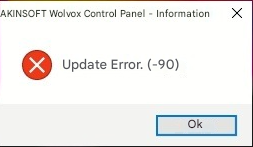
If you receive an error like the one shown above or a similar update error when opening your WOLVOX Control Panel program, please follow the steps below;
1. Download the file attached in this article.
2. Extract the downloaded file from the .zip archive.
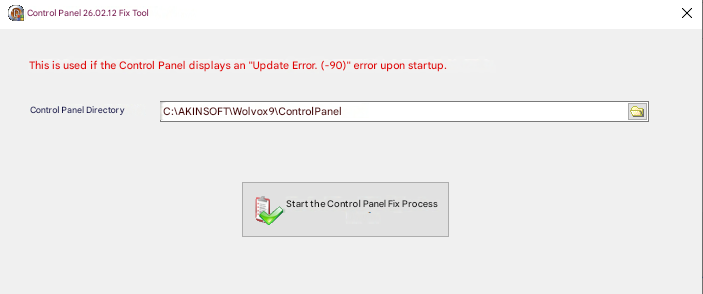
3. Run the downloaded file and select the directory where your Control Panel program is installed.
4. Click the "Start Control Panel Fix Process" button. Please make sure that the Control Panel program is closed during this step.
5. Once you receive the "Process Completed" message, close and reopen the program. The issue should now be resolved.

