CODE: A4109
It is also possible to generate reports and export queries written in the SQL Monitor within AKINSOFT Wolvox programs to Excel.
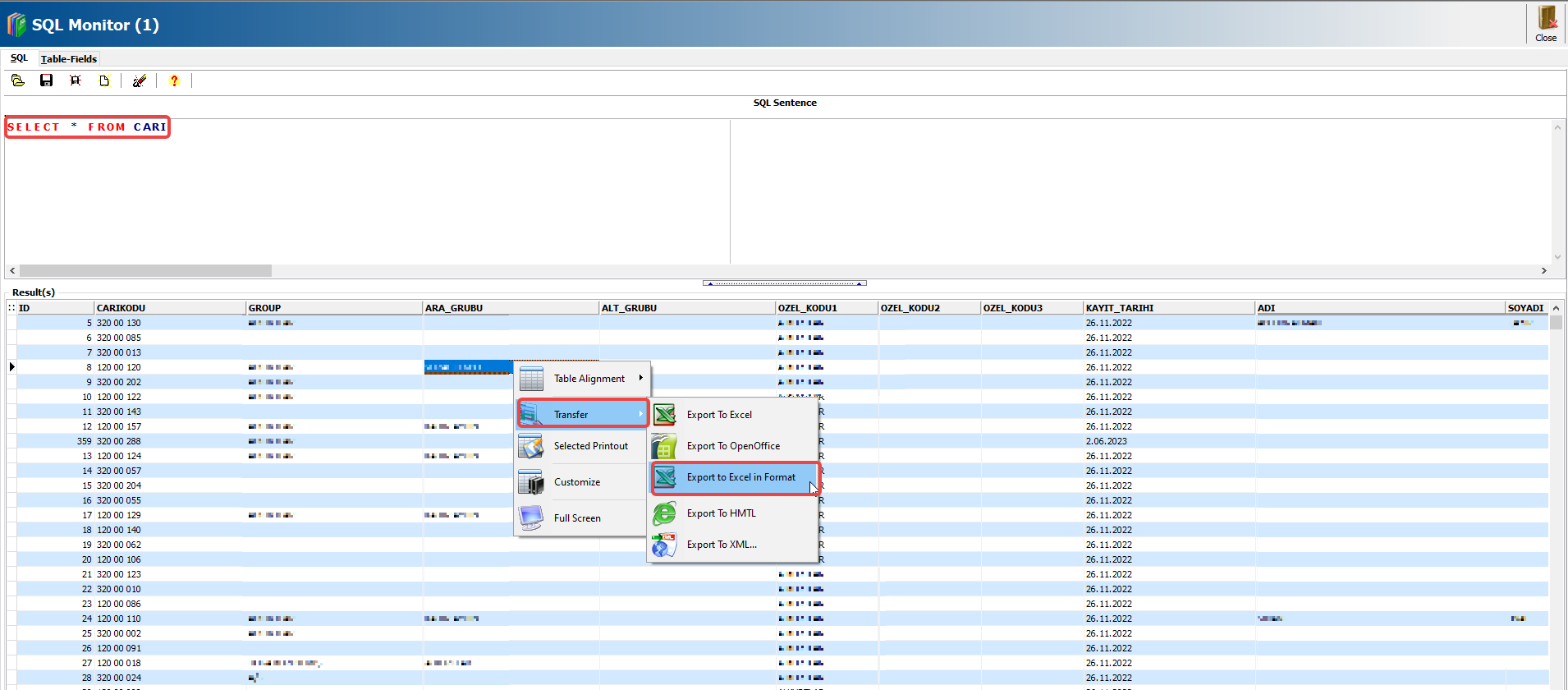
After executing the query, right-click on the table and select the Export option to export the results to Excel.
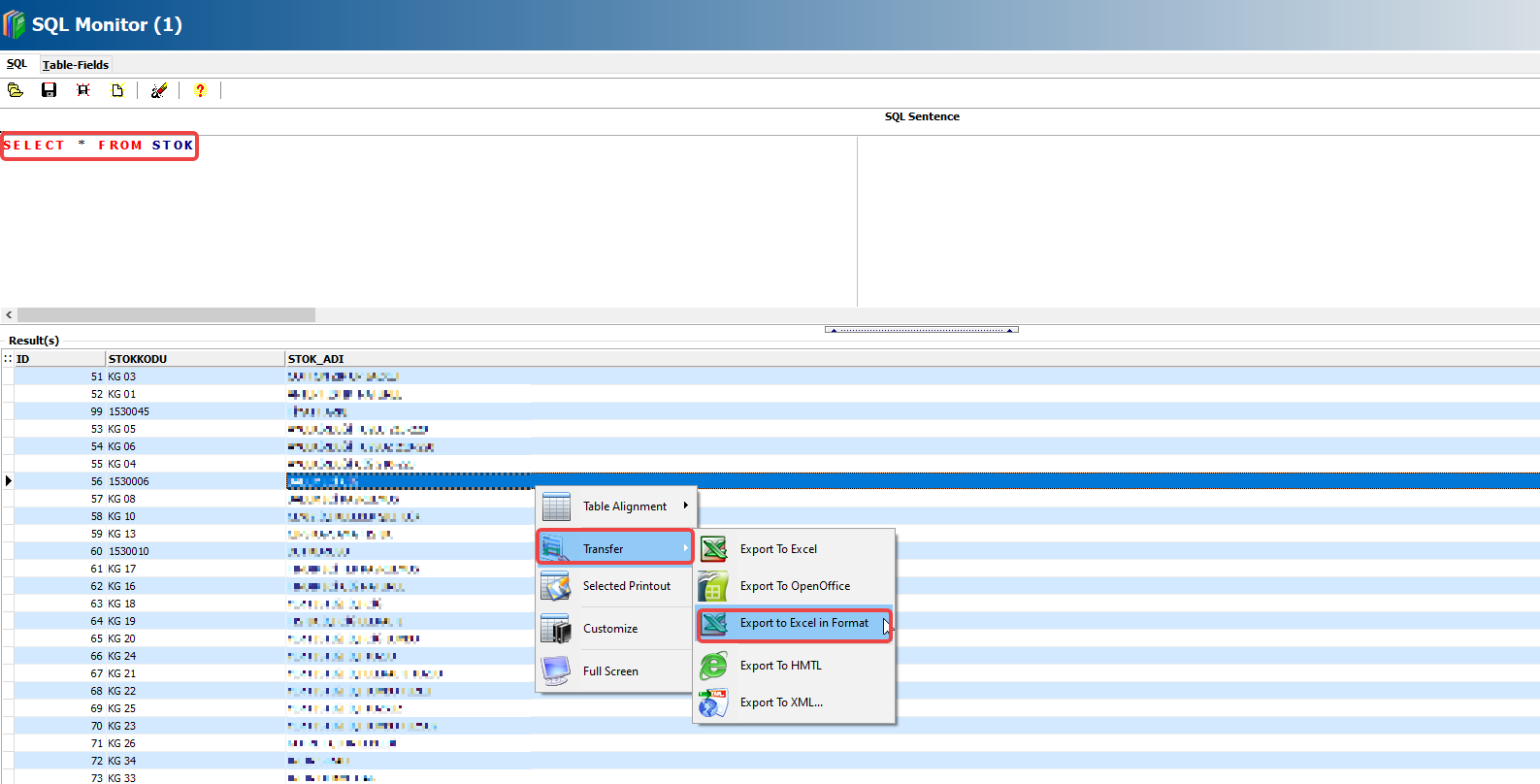
The SELECT * FROM STOK query retrieves all fields from the STOK table shown in the image.
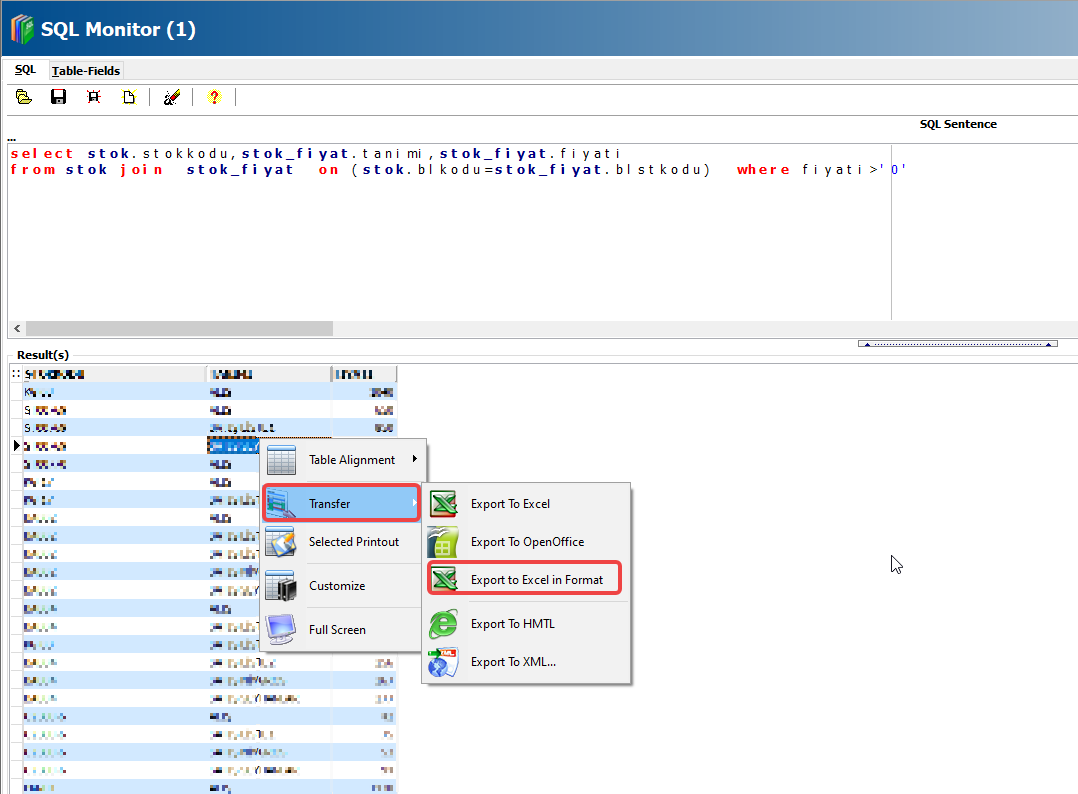
select stok.stokkodu,stok_fiyat.tanimi,stok_fiyat.fiyati
from stok join stok_fiyat on (stok.blkodu=stok_fiyat.blstkodu) where fiyati>'0'
Using the SQL query above, you can obtain a price list of your existing stock items, as shown in the image.

