CODE: A4018
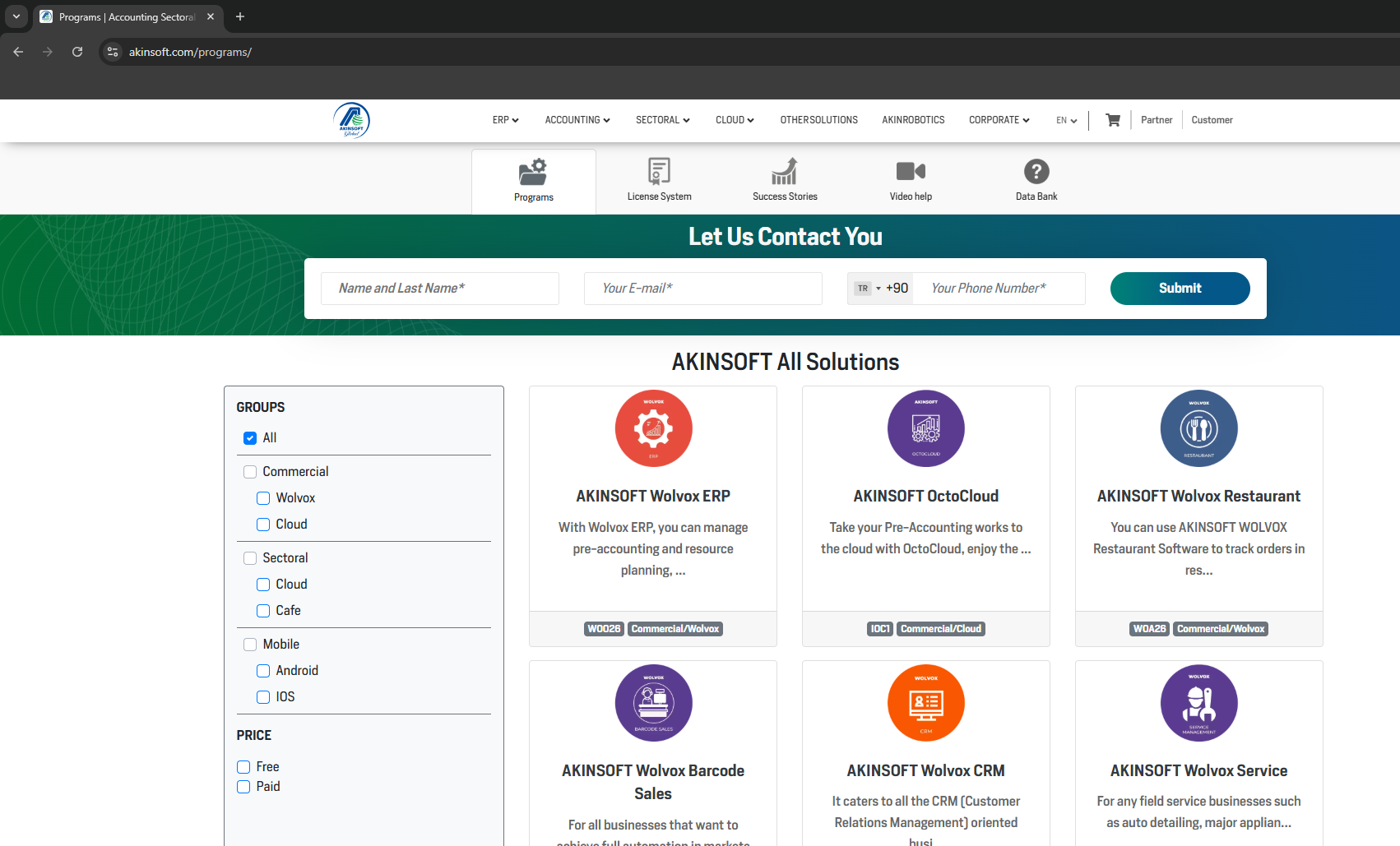
You can access the programs you would like to review via the Programs section on our website: akinsoft.com/programs
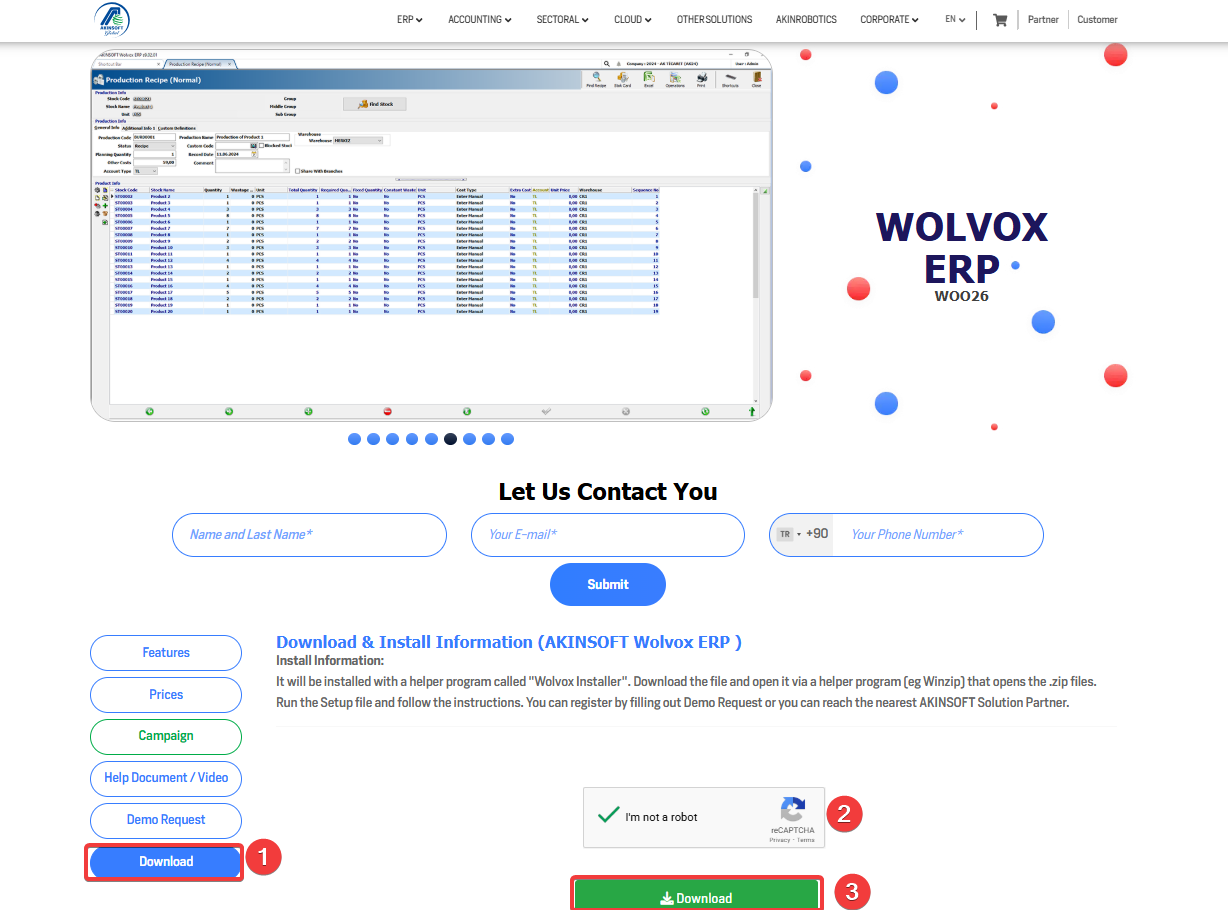
After selecting the relevant program, please start the download process from the Download tab. During this process, a setup file for our Installer application will be downloaded.
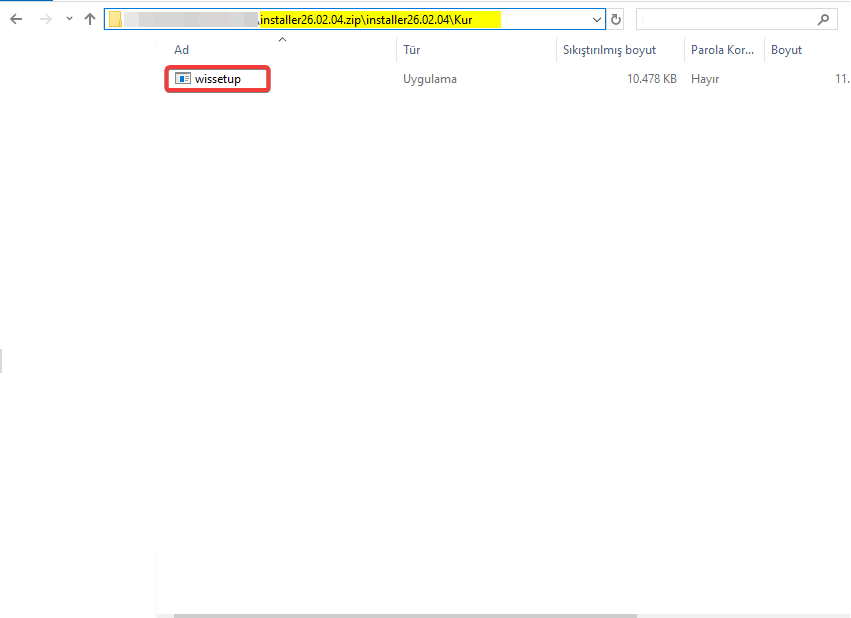
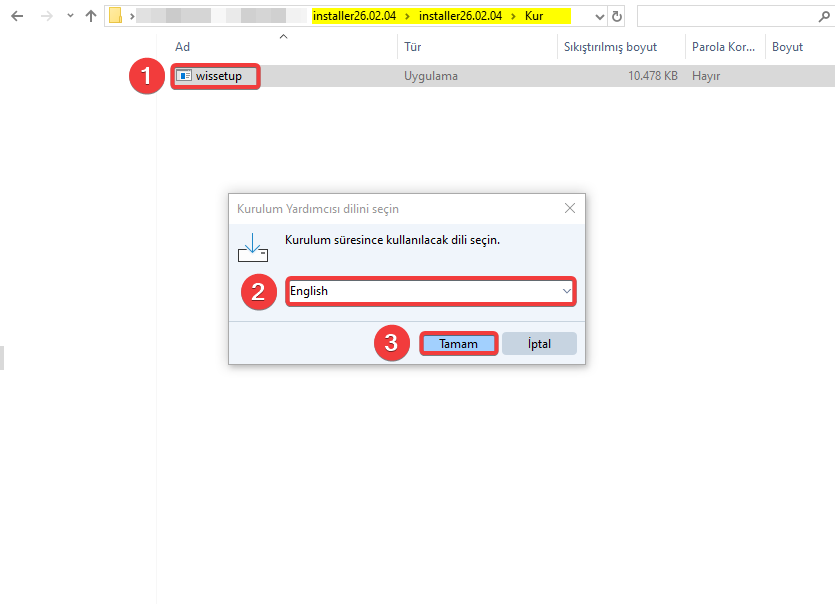
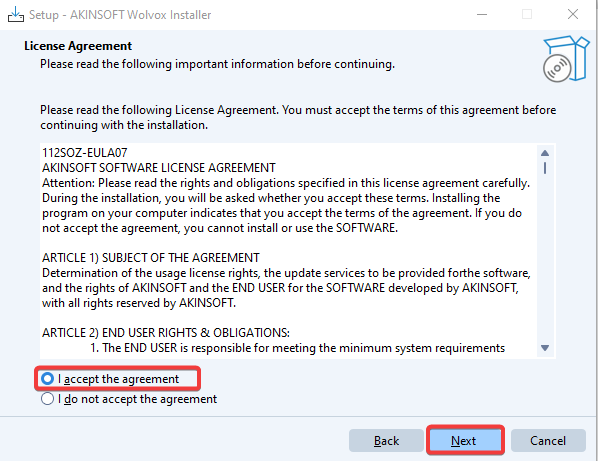
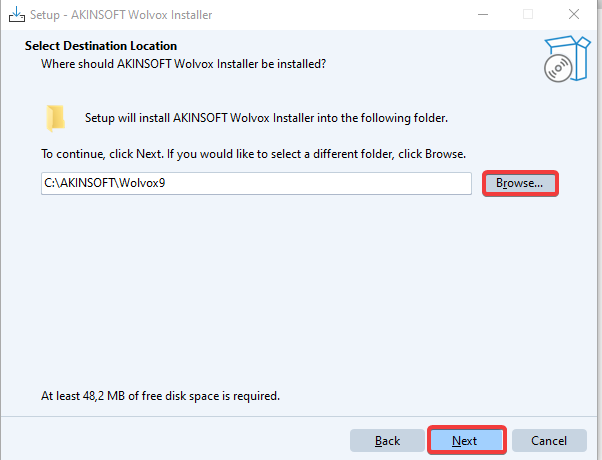
Once the download is complete, extract the installer.zip file and run wissetup.exe. Then, choose the destination folder where the program will be installed by using the Browse button. After confirming your selection and accepting the license agreement, complete the installation process.
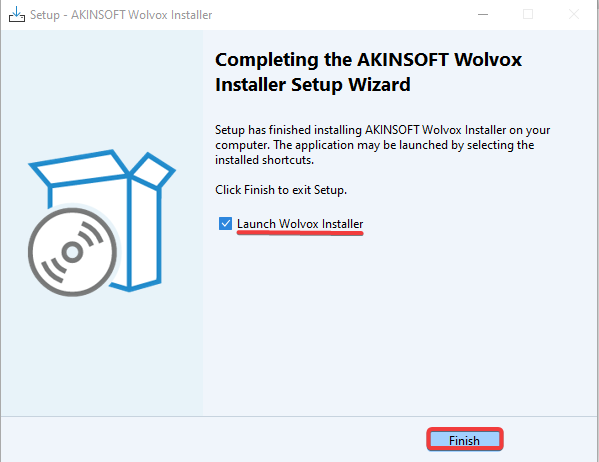
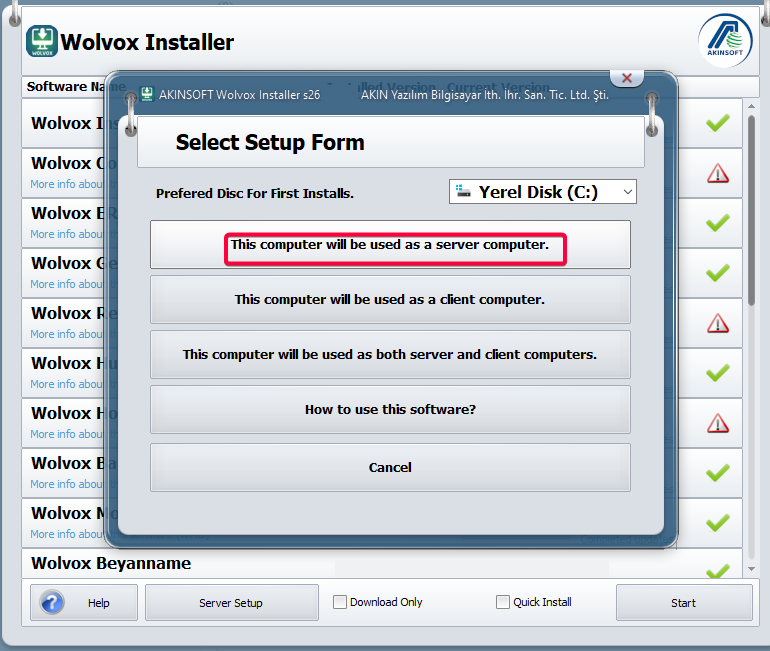
When the installation is finished, the Installer application will open automatically. After it is launched, select “This computer will be used as a server computer.” and the list of available programs will be displayed.
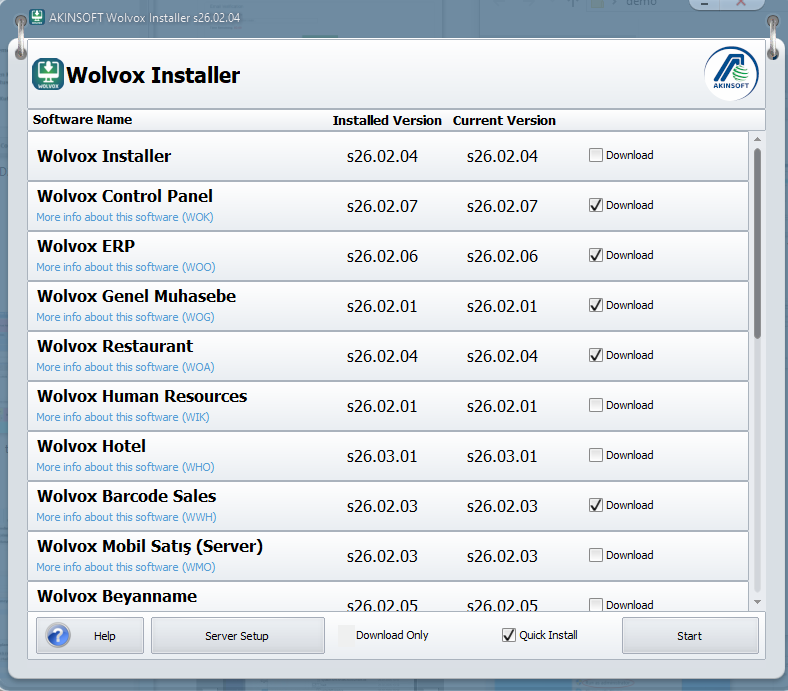
For the programs you wish to install, click “Install”, enable the “Quick Install” option, and then press the “Start” button. The selected programs will be installed sequentially in the destination folder you specified.
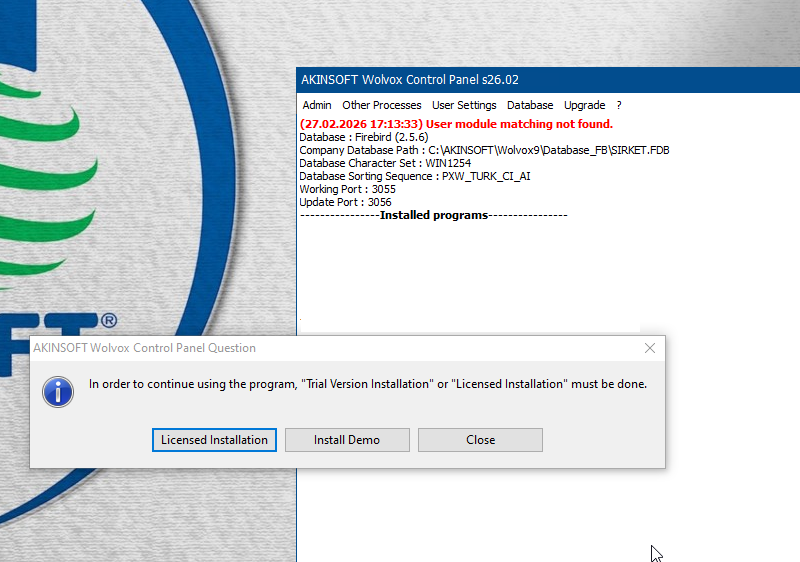
Once the installation is completed, open the Control Panel application and select the database type and character set you will use.
Once the control panel opens, two options will appear: Licensed İnstallation and Install Demo. You should select Install Demo.
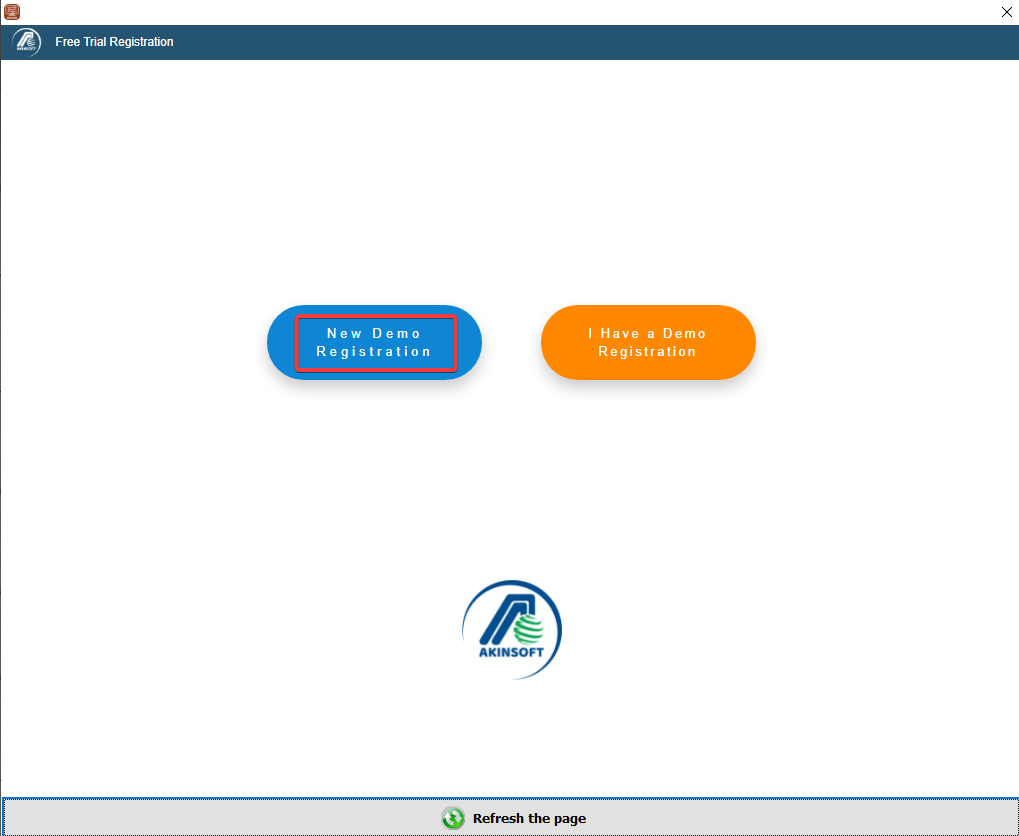
On the screen that appears:
If you do not have a demo registration, click “New Demo Registration” to create one.
If you already have a demo registration and would like to activate it in the Control Panel, click “I Have a Demo Registration.”
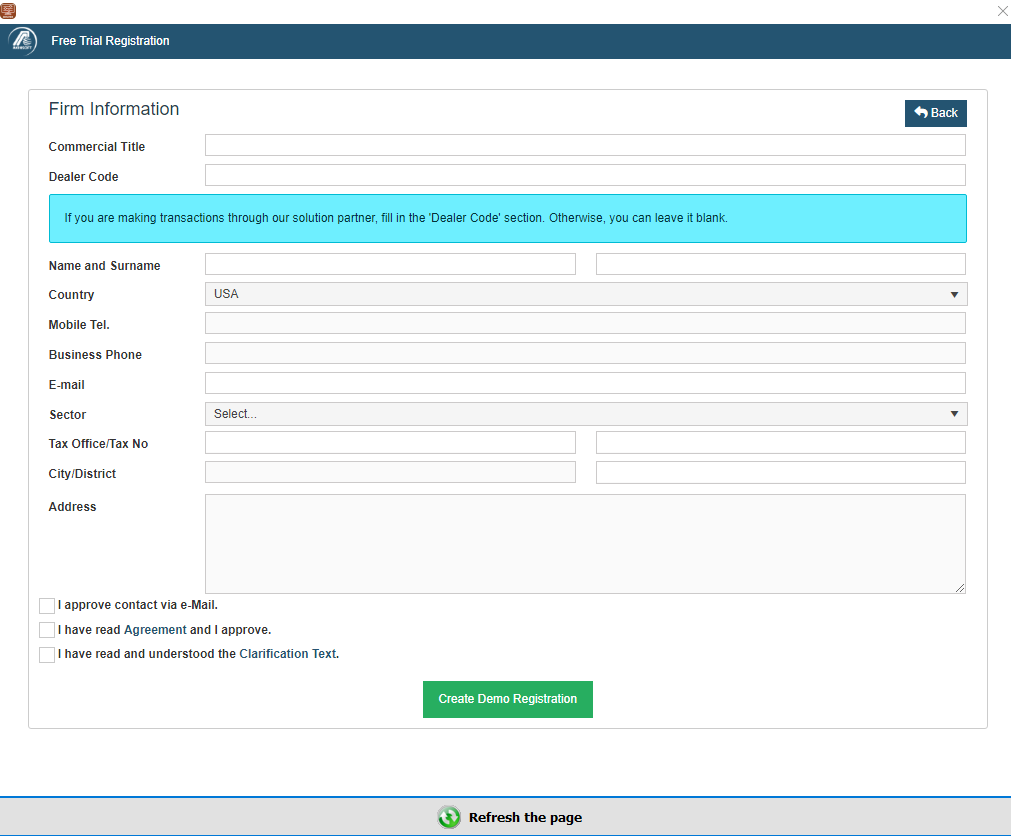
Fill the form with correct and real information, tick the 'User License Agreement' and 'Clarification Text' boxes then press the 'Create Demo Registration' button.
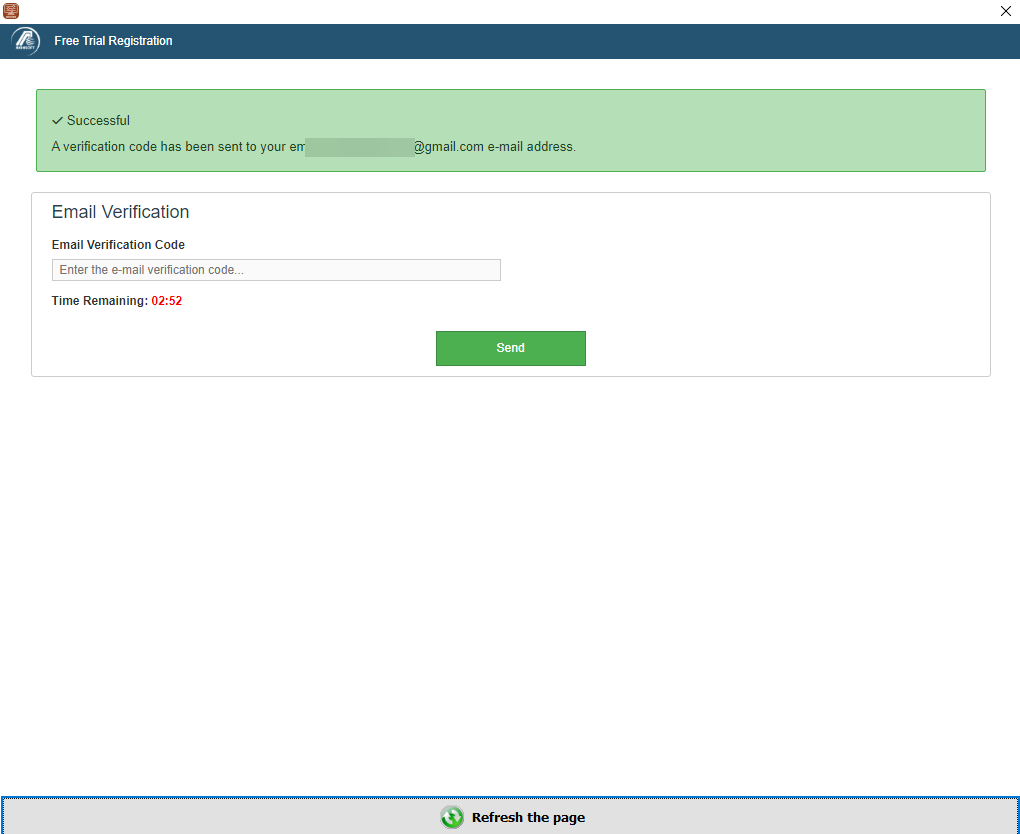
Enter the code you received in your email address.
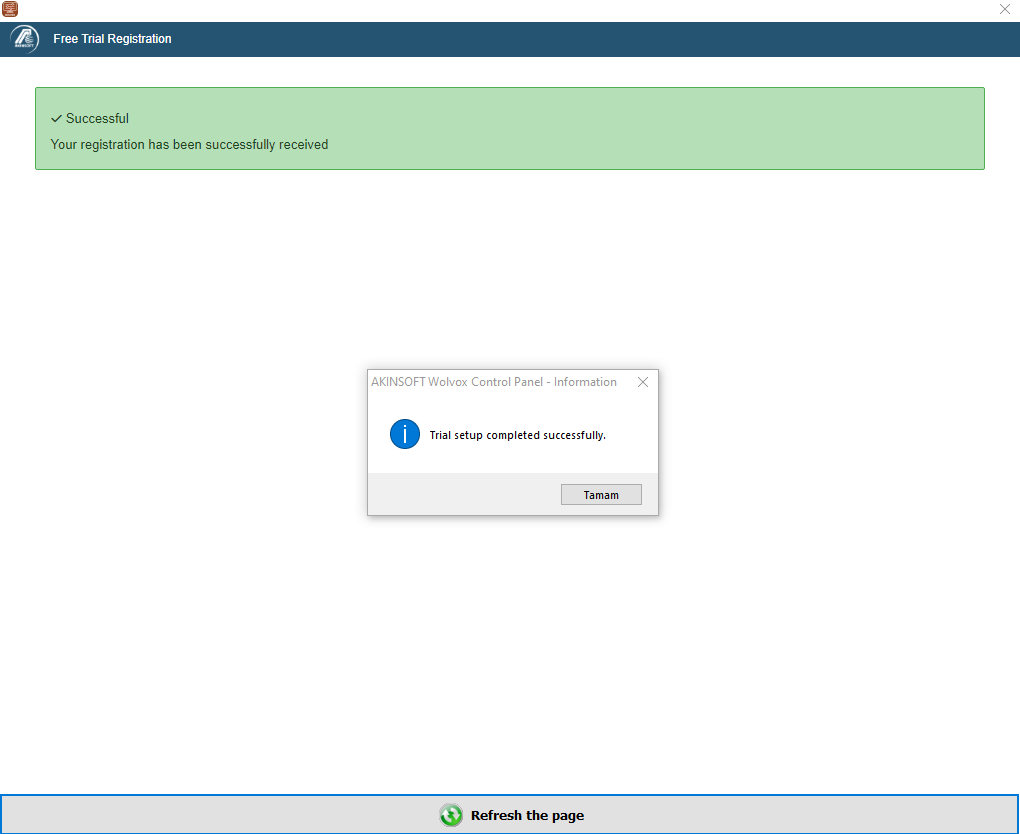
Entering the verification code correctly will activate the demo.
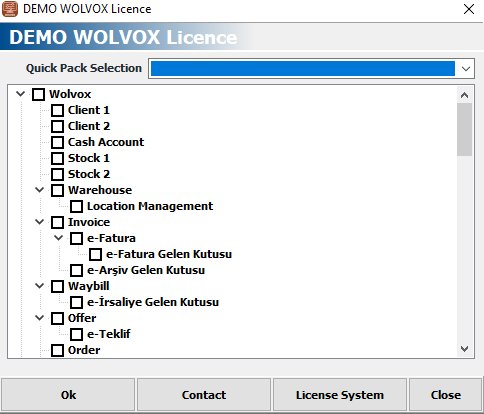
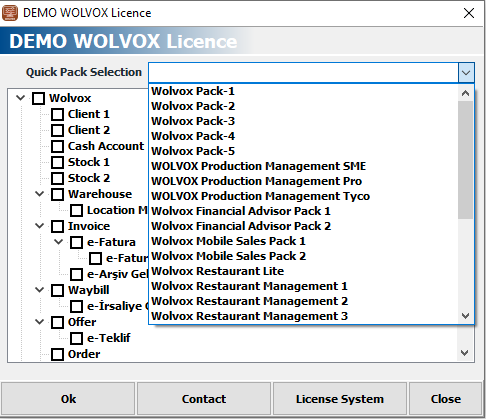
You can customize your demo by ticking the boxes next to its packages, or you can test it with quick packages from the "Quick Pack Selection" area.
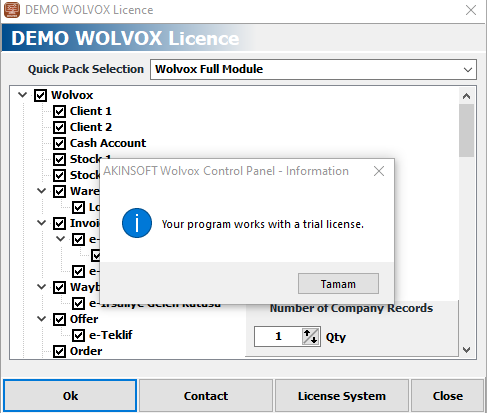
Choose how your demo usage will be. If you do not know about module structure, you can directly select the 'Wolvox Full Module' option.
After that: Give a company code and press the 'OK' button. ,
After the installation is completed, your 30 day trial period will be defined.

